




EaseUS RecExperts Screen Recorder with Video Editor & AI Tools for Windows 1-Year Subscription
Eligibility: Students, Faculty/Staff & Schools
EaseUS RecExperts Screen Recorder helps you capture any region on your screen along with audio or webcam- with advanced AI-powered noise remover, video enhancer for 4K/8K videos, auto recording & audio extractor. Record all 2D/3D gameplay highlights without lag or time limit, while enhancing your experience with an embedded video editor and media player.
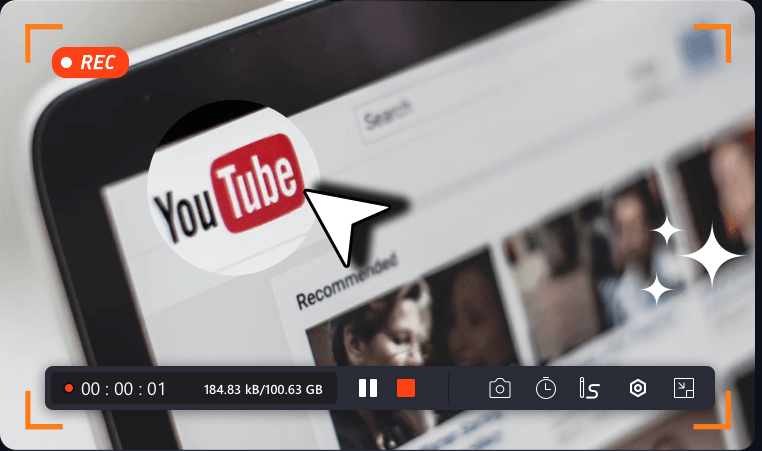
YouTube Recording
YouTube is a popular video streaming platform where you can watch various categories, from entertainment to educational and illustrative videos. And it is natural that if you like a certain video, you might want to keep it for offline enjoyment. In that case, you can use EaseUS screen recorder to capture any YouTube video/audio for free. Moreover, this Windows screen recorder lets you edit the recordings freely.
Online Recording
Not much space on your computer to run a desktop screen recorder? Deal with screen recording activities occasionally? Then an online screen recorder must be your first choice. Without any installation, you can use it directly to start screen recording tasks in the browser.
iPhone Screen Recording
It is wise to screen record for iPhone if you want to share some on-screen activities on iPhone. iOS 11 and later versions have a built-in screen recording feature that lets you easily record the iPhone screen. But, it only provides basic recording features. If you are working on mobile phones, you can opt for some third-party screen recording apps that are usally compatible with both iPhone and Android.
Video Conference Recording
Video conferencing has become the go-to tool for modern collaboration, which makes remote work easier. Sometimes, you might want to save the online meeting content to take notes, capture every detail, or share with teammates who didn't attend it, then download the best free screen recorder. This video recording software lets you record almost all online meetings easily (Zoom, Google Meet, Teams, etc.), and save them for later use.
Streaming Video Recording
You can watch millions of HD, 2K, or even 4K videos from popular streaming video platforms like YouTube and Facebook without any hassle only if there is a good network. But, if you sometimes want to enjoy your favorite videos and movies without the internet offline, recording and saving it offline is an excellent choice. With this screen recorder for PC, you are able to capture and save any video with the original quality. Beyond that, it offers a free built-in media player to preview your recordings with one simple click.
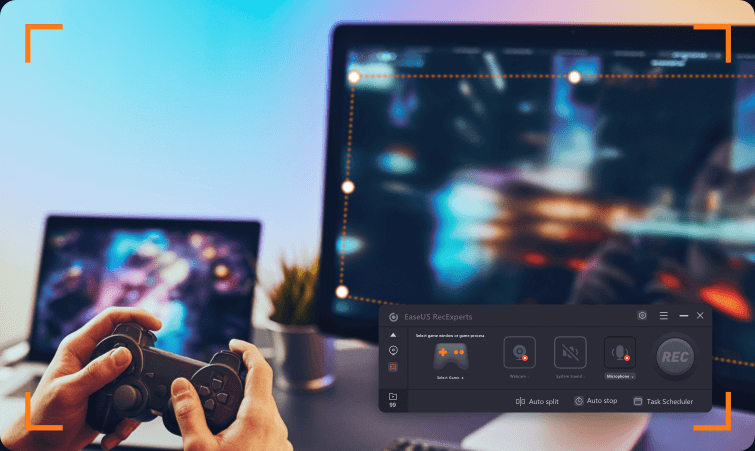
Gameplay Recording
Plan to start a video game YouTube channel to show your skills? This screen recorder provides a game recording mode, allowing you to record your gameplay flexibly with narration or a webcam. If you are just a game lover, you can still record your gameplay highlights to show off to friends. There is no need to worry about the lag issue because it works well even on low-end PCs.
Video Tutorial Recording
Need to create how-to videos for your online course? Want to create a demonstration video for your product? Our free screen recorder for PC will help you create high-quality tutorial videos without hassle. Here you can enjoy both advanced recording and editing features.
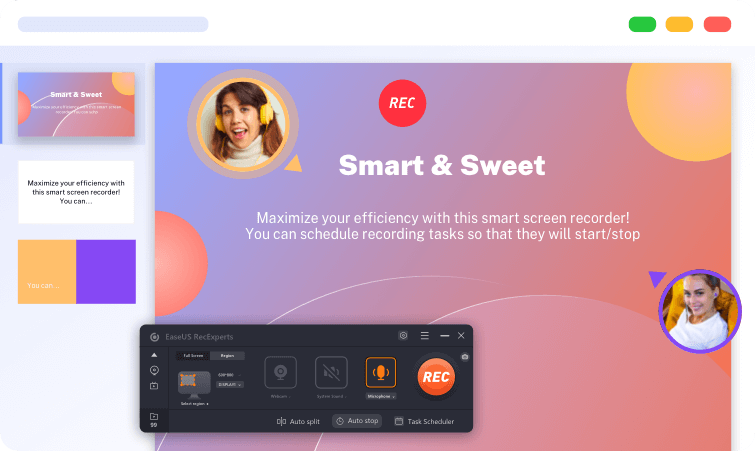
Presentation Recording
Remote learning is a trend, and you can benefit a lot from lectures, online courses, or presentations provided by professors and educators on the web. In some cases, some lectures or courses don't allow you to play back to review the points. Why not use the brilliant EaseUS screen recorder to capture the screen and save the video content on a local drive for reviewing whenever you need it?
Audio Recording with AI Noise Reduction
This program also supports audio recording activities. Whether you want to record audio from YouTube or capture some streaming audio, RecExperts can always meet your needs. It includes the AI-powered noise remover feature to remove noise from video and audio.
The biggest surprise is that you can mute the recording without muting the recorded file, so the recording process won't bother anyone. You can always change the settings as you like, before or during recording.
A Value-Added Video Editor and Video Cutter
This screen recorder suite comes with a decent range of editing tools to cut, merge, and rotate footage without any skill. Use frame-by-frame advanced options to refine your video clips by frame drawing and trim your recorded videos precisely at the millisecond.
System Requirements:
- Windows 11/10/8.1/8/7
- Supported Output Formats:
- Video: MP4, MOV, FLV, MKV, AVI
- Audio: MP3, AAC, WAV, OGG, WMA, FLAC
- Image: GIF, PNG
- Available for 32-bit & 64-bit


